Copy link
Invoices
The Invoices page in Wobbly.me allows you to create and manage invoices for your clients.
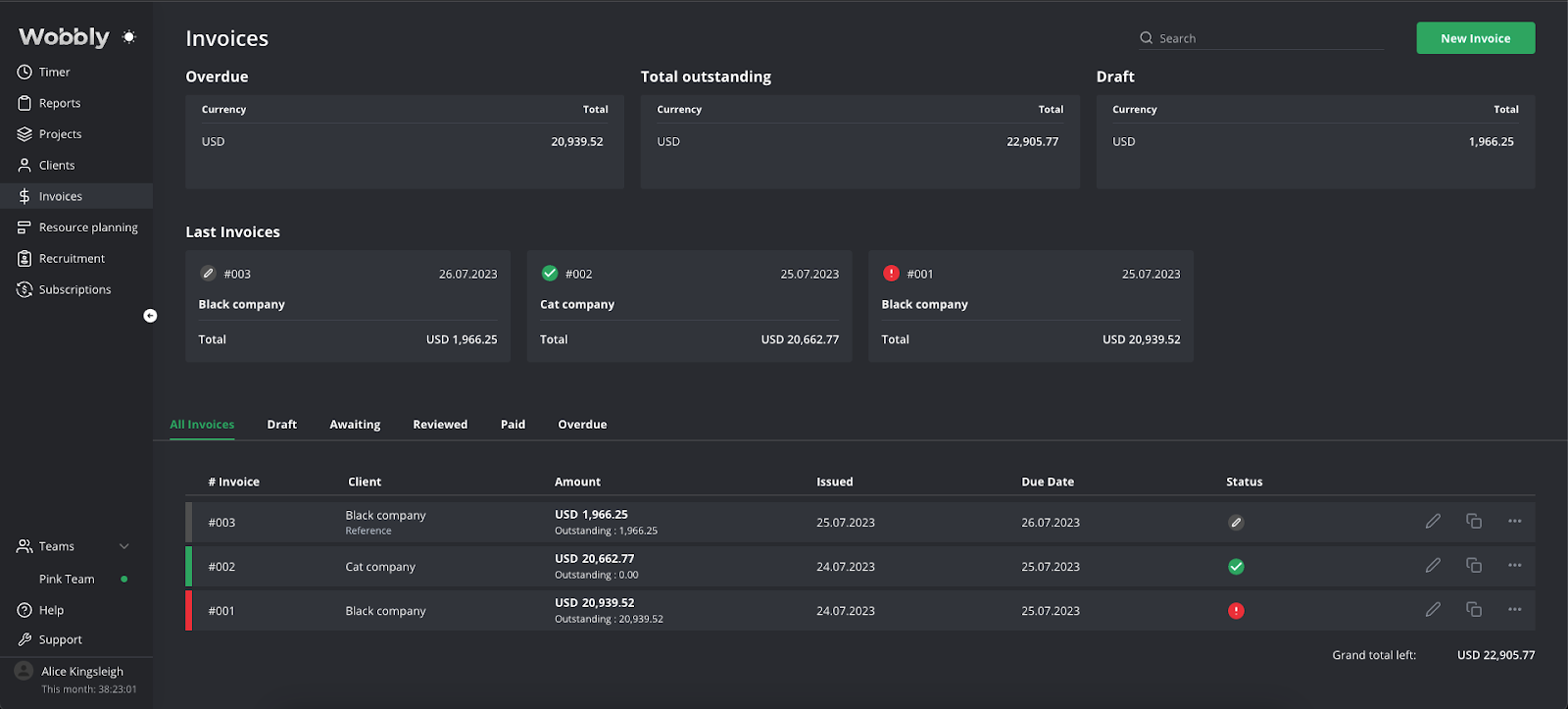
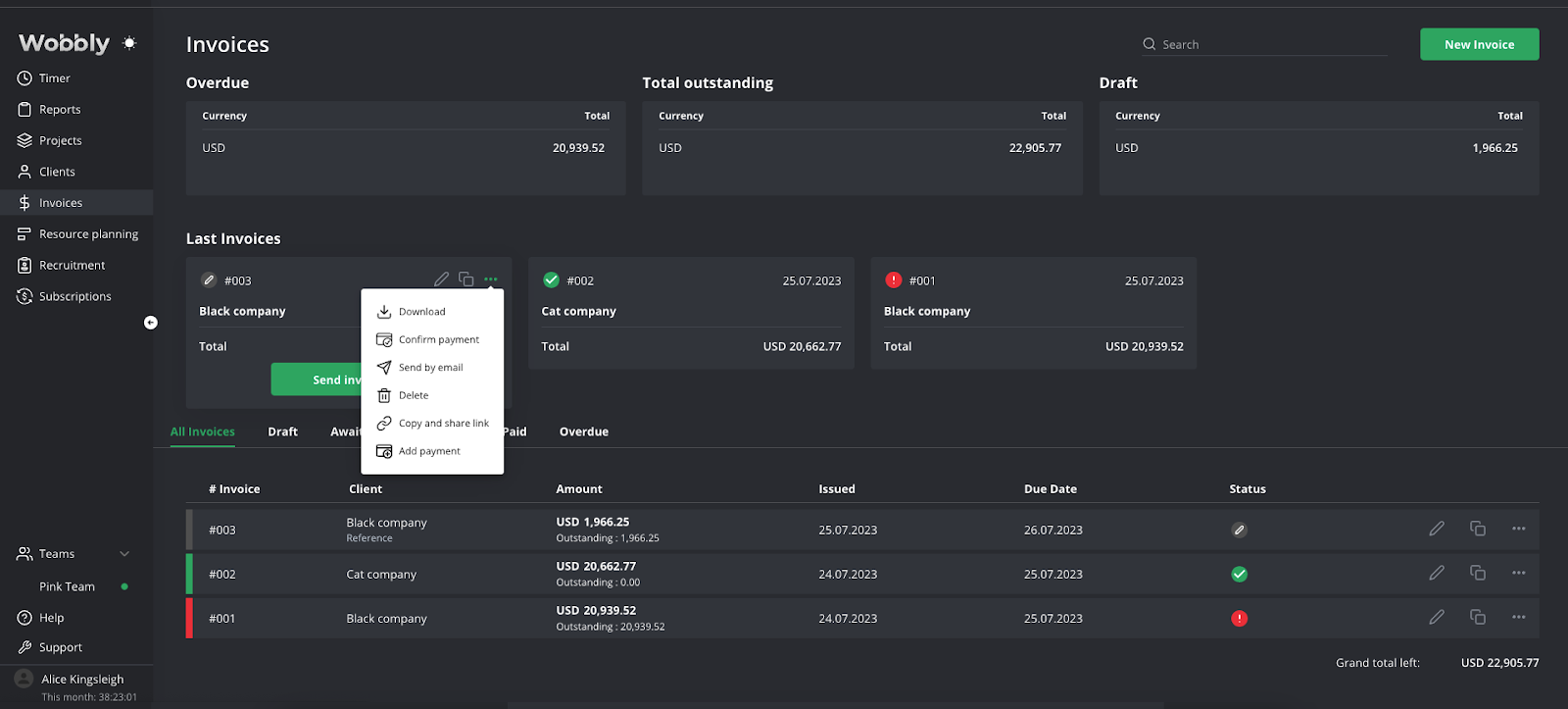
The key actions you can perform here are:
- Create new invoices
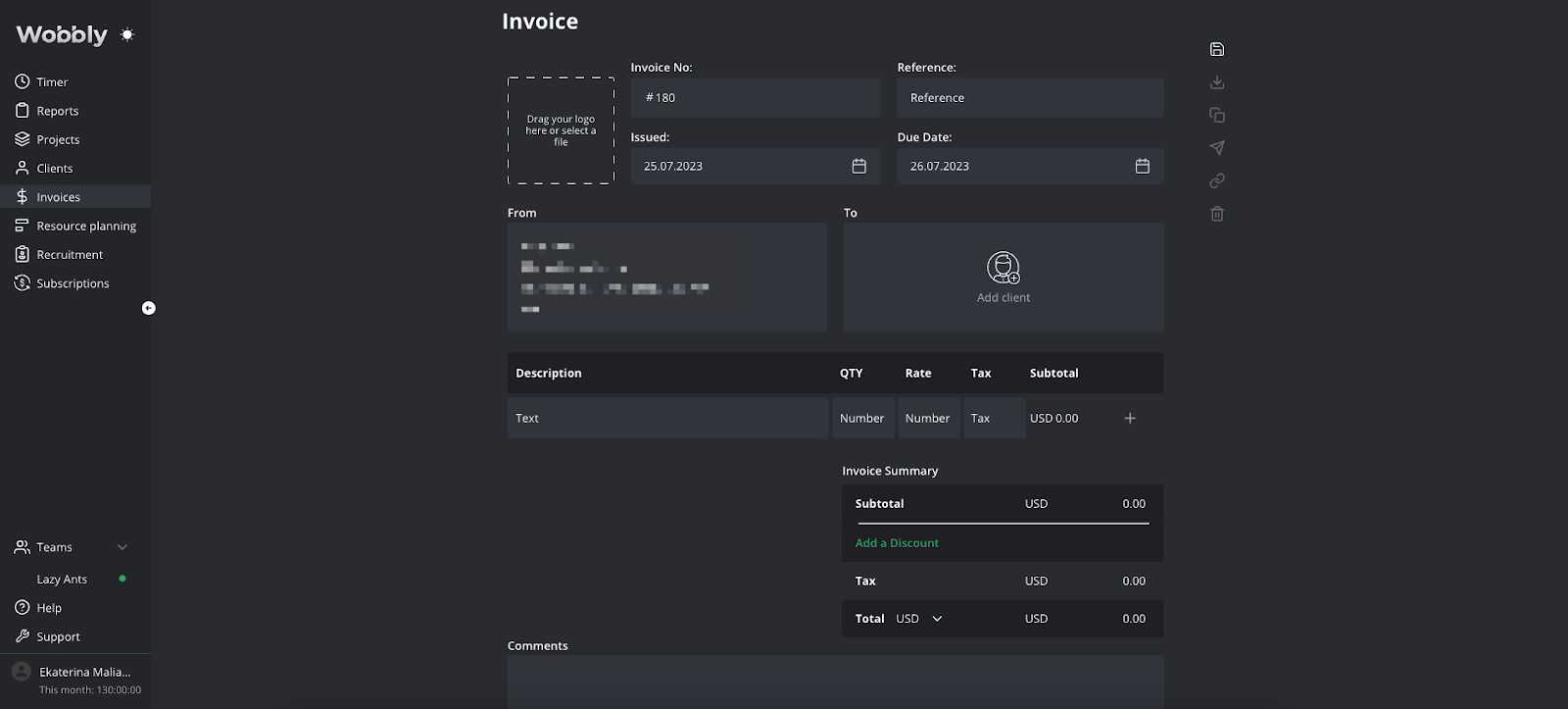
- Confirm and cancel invoices
- Duplicate an existing invoice
- Download invoices to your computer
- Confirm payment for an invoice
- Send invoice by email
- Delete an invoice
- Copy and share the invoice link
- Add payment to an invoice
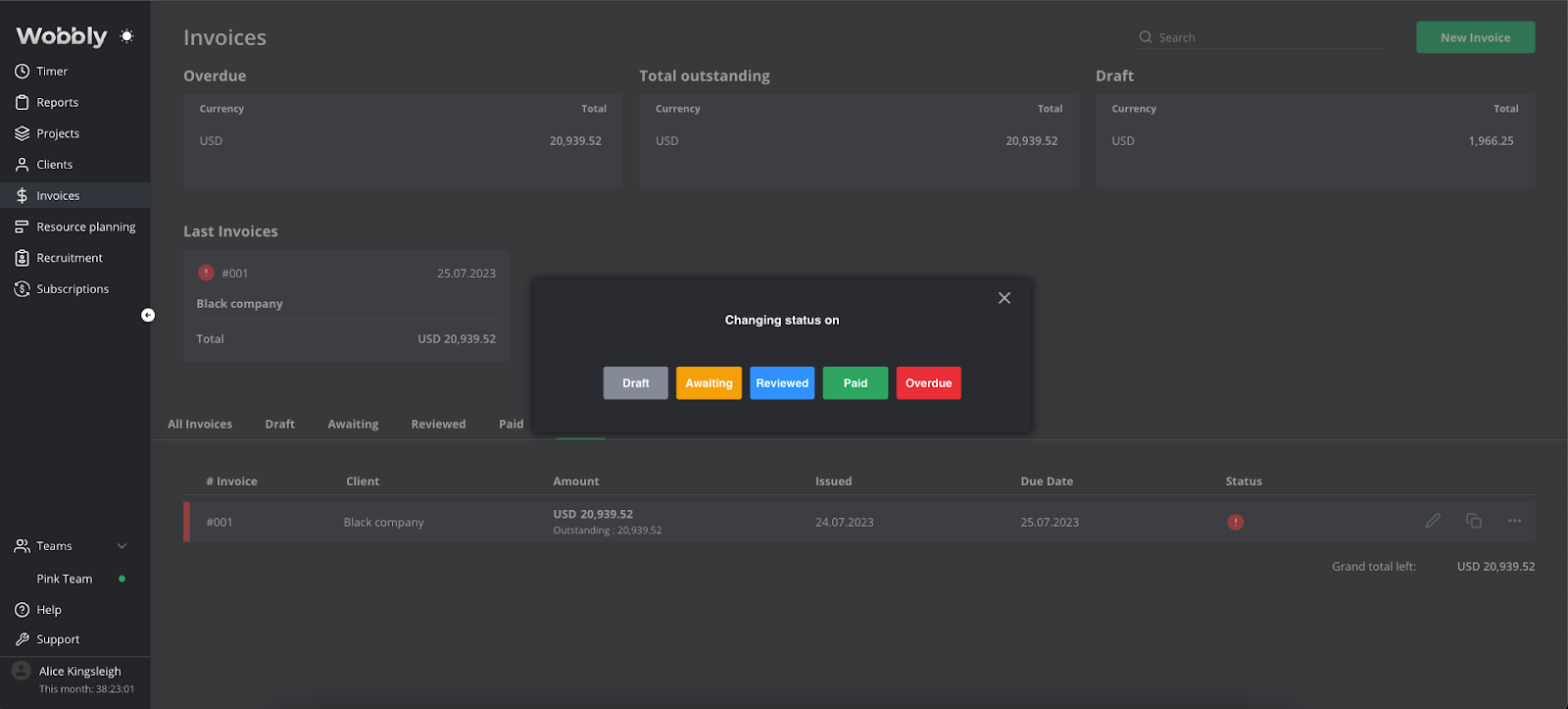
Invoices can be assigned various statuses to help you manage your billing process, and you can filter invoices by these statuses. The statuses include:
- Draft
- Awaiting
- Reviewed
- Paid
- Overdue