Copy link
Resetting Your Wobbly.me Password
In case you've forgotten your Wobbly.me password, you can reset it by following these steps:
1. Start the Recovery Process On the login page, click the "Forgot your password?" link, located under the Login button.
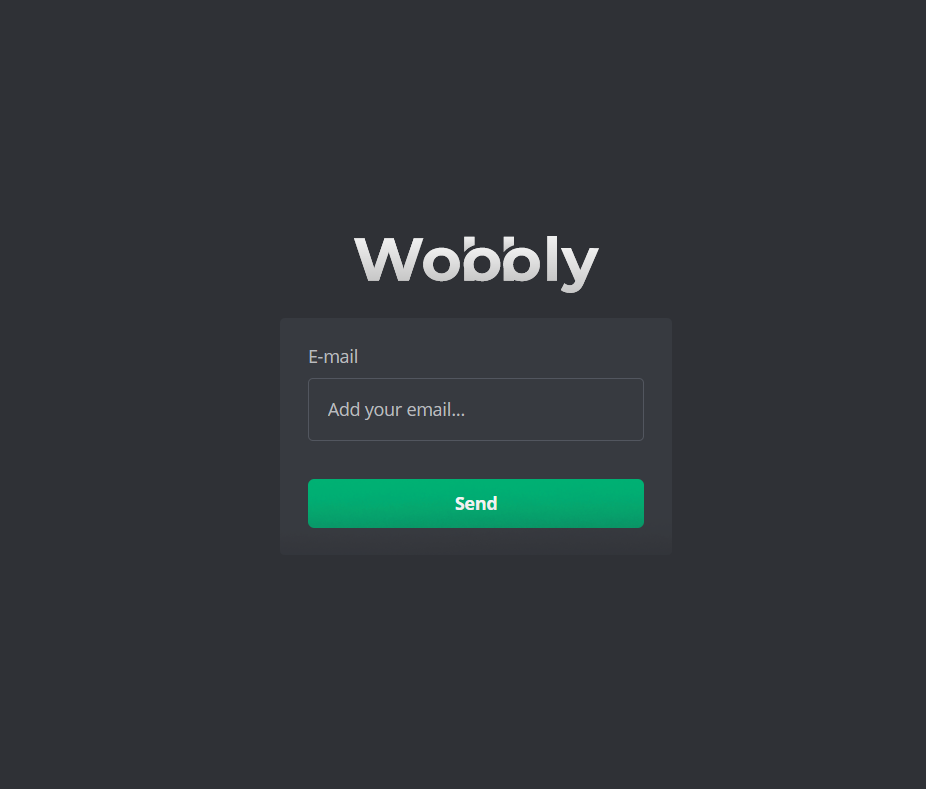
2. Confirm Your Email Address Once you're on the password recovery page, input the email address linked to your Wobbly.me account and hit the "Send" button.
3. Check Your Inbox You'll receive a password reset link at your provided email address. If you don't see the email in your inbox, it's worth checking your spam or junk mail folder.
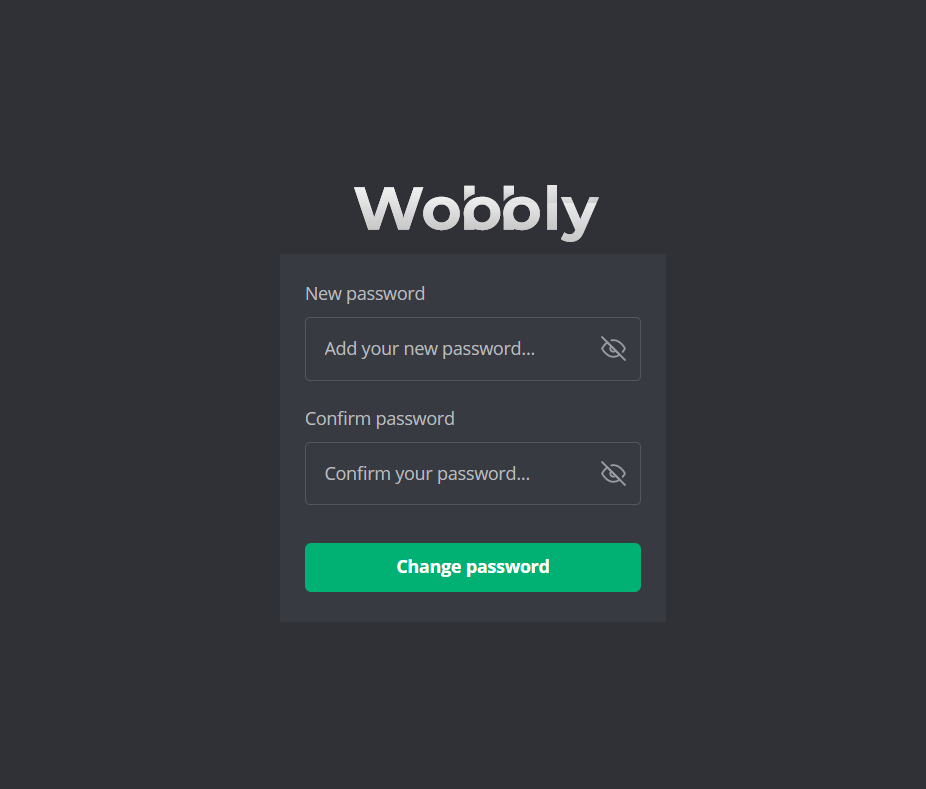
4. Reset Your Password Click the link received in the email, and you'll be directed to a page where you can set a new password for your Wobbly.me account. Confirm your new password by entering it twice, and then click the "Change password" button.